
Free Online
Video Transcriber
Turn videos into editable, timestamped text online. Review speakers beside playback, then copy, save, translate, summarize, create mind maps, or ask AI.
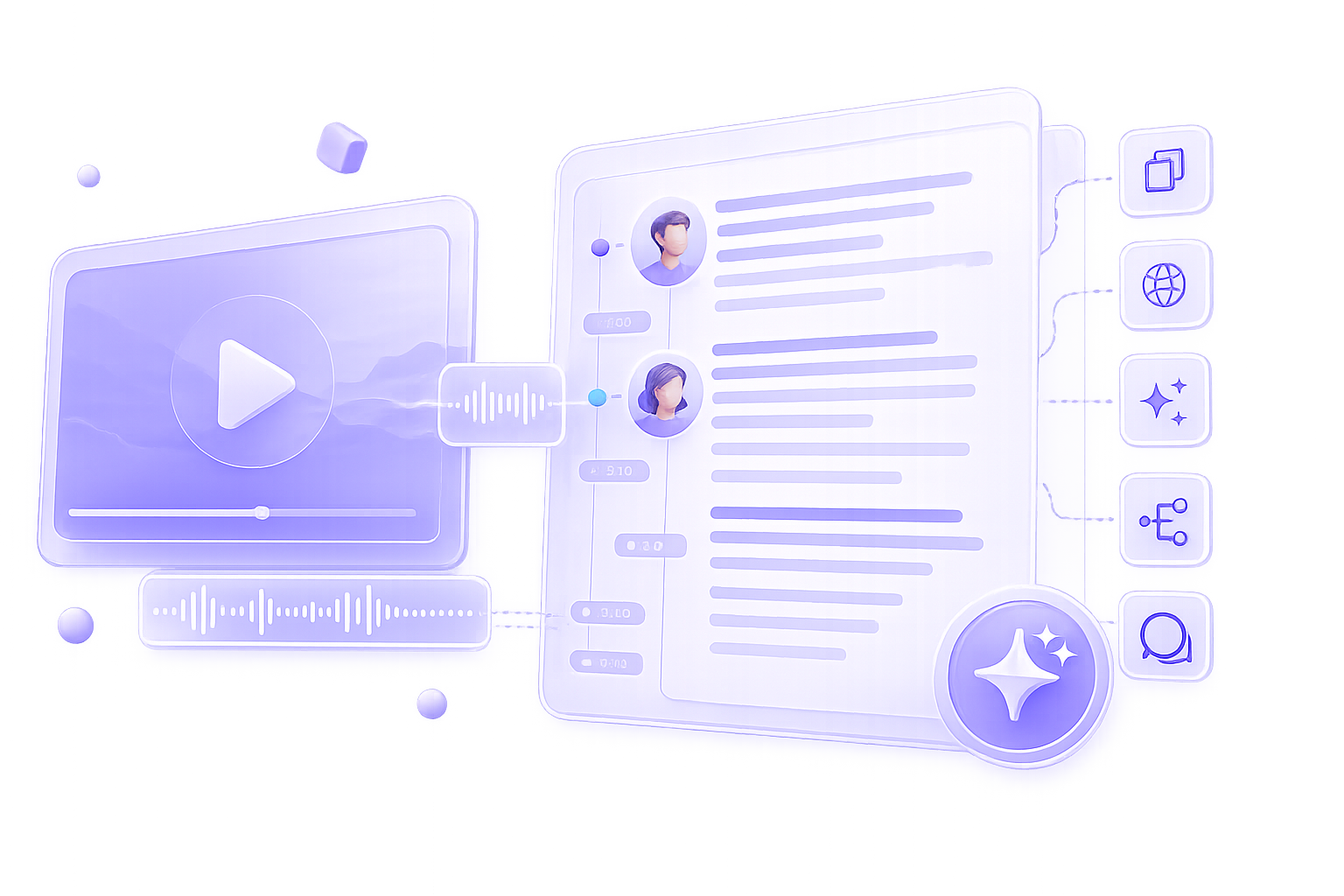
Create a new transcript
Drop a video or audio file hereor MP4, MOV, AVI, WEBM, MP3, WAV · Up to 250 MB
Identify speakers
Separate different voices in the transcript
Recent Transcriptions
View all filesNo recent transcriptions
Your saved work will appear here.
What Is an AI Video Transcriber?
VidTranscriber is a free online video transcriber that converts spoken content into editable, timestamped text. Upload a supported video or audio file, or paste a public YouTube link, then review the transcript beside playback and edit speaker names. No login is required, and VidTranscriber does not retain user data.
Turn Video Into Searchable, Editable Text
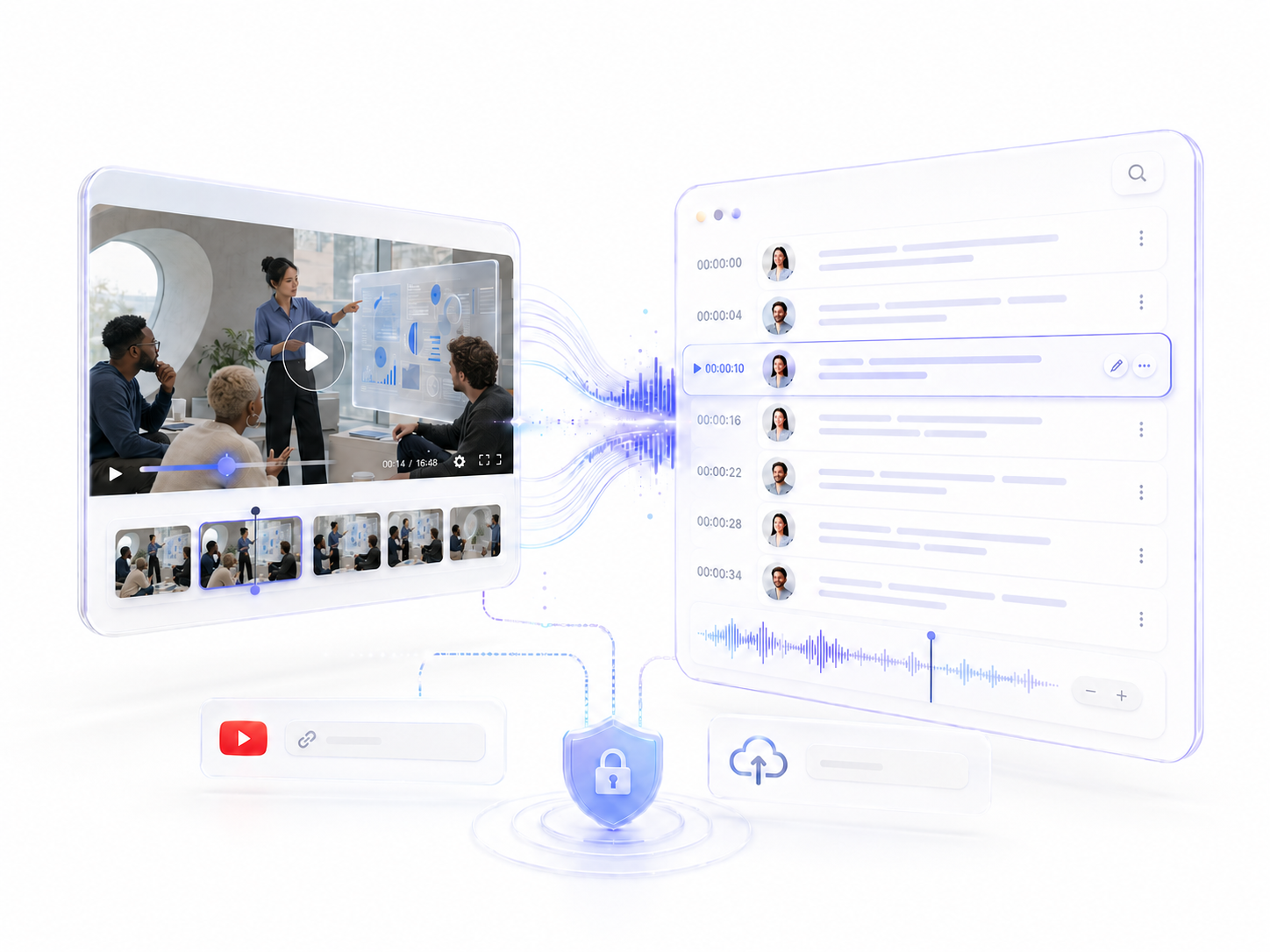
A video file is difficult to scan when you need one quote, decision, explanation, or topic. The video transcriber converts spoken content into timestamped text, giving you a searchable record without requiring repeated replays. You can correct important wording, organize participants, copy selected passages, and save the finished transcript as a TXT file.
This makes the video transcriber useful beyond simple note-taking. Creators can find reusable moments, students can revisit lecture topics, researchers can compare interview responses, and teams can locate decisions from recorded meetings.
Keep Timestamps, Labels, and Source Media Connected
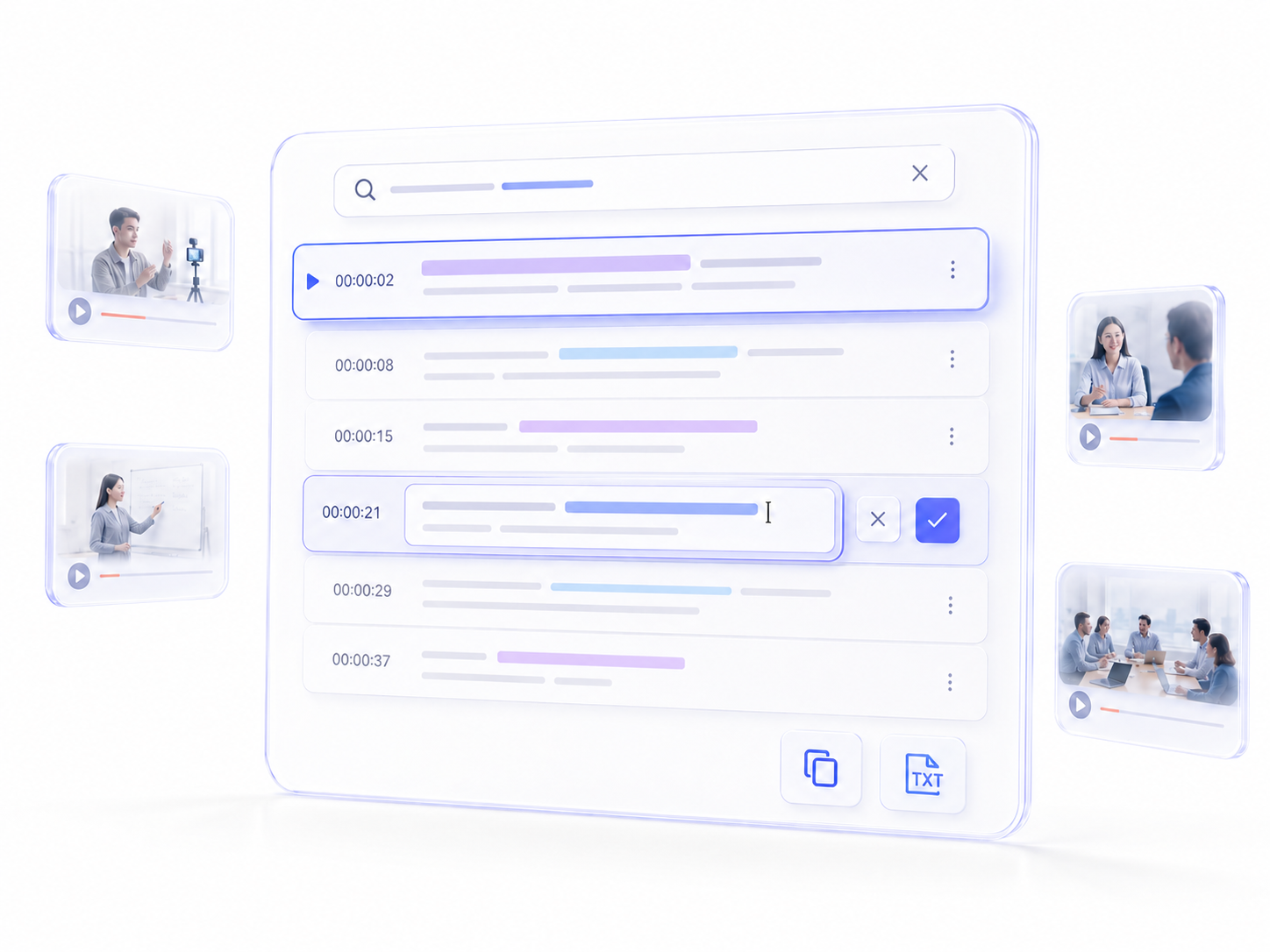
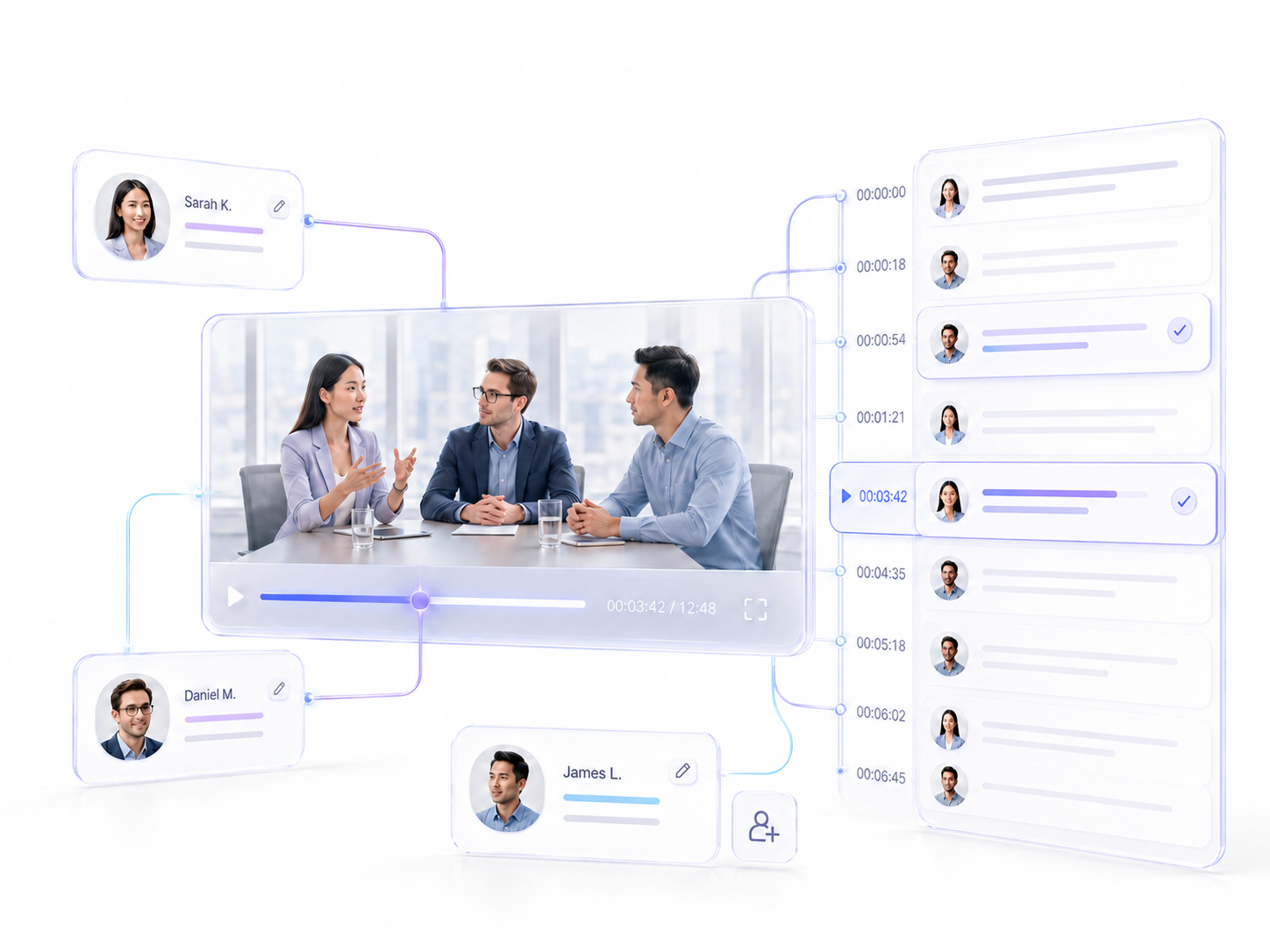
Transcript text is easier to trust when you can compare it with the source recording. Each segment includes timing information, and selecting a segment moves the media to the corresponding moment. The video transcriber also supports participant identification, label creation, and name editing for recordings with multiple voices.
These controls help you confirm quotes, fix attribution, and check names or technical terms before sharing or publishing the text. They are especially useful for interviews, podcasts, panels, meetings, and research recordings where context matters.
How to Use the Video Transcriber
Add a Video File or YouTube Link
Choose a supported local video file or paste a YouTube URL. VidTranscriber accepts files up to 250 MB. YouTube videos without subtitles can be up to four hours, while videos with subtitles have no documented duration limit.
Choose Speaker Identification
Enable speaker identification for interviews, podcasts, meetings, panels, or research recordings. Leave it off for single-speaker presentations when separate labels add no value. Create speakers and change their names after transcription.
Generate and Check the Transcript
Start VidTranscriber and open the results view when processing finishes. Read transcript segments in timeline order, click uncertain text to play the matching clip, and correct important details.
Get the Transcript or Continue With AI Tools
Get the edited text as a TXT file, copy content, translate selected segments, create summaries, generate mind maps or ask AI questions. Mind maps are available as PNG, MD, TXT, or JSON.
Improve Video Transcription Quality
Clear speech, close microphones, limited background noise, and distinct turns between speakers usually produce a more useful first draft. Music, echo, distant microphones, overlapping voices, strong accents, and unfamiliar terminology can require more correction.
Use the video transcriber as part of a review process:
Check names, brands, numbers, dates, and specialist terms.
Review every speaker change during fast or overlapping conversation.
Compare uncertain segments with synchronized playback.
Read the edited transcript in context before publishing it.
Apply qualified human review when the wording affects important decisions.
Review a Transcript Beside the Original Recording
Jump From Text to the Right Moment
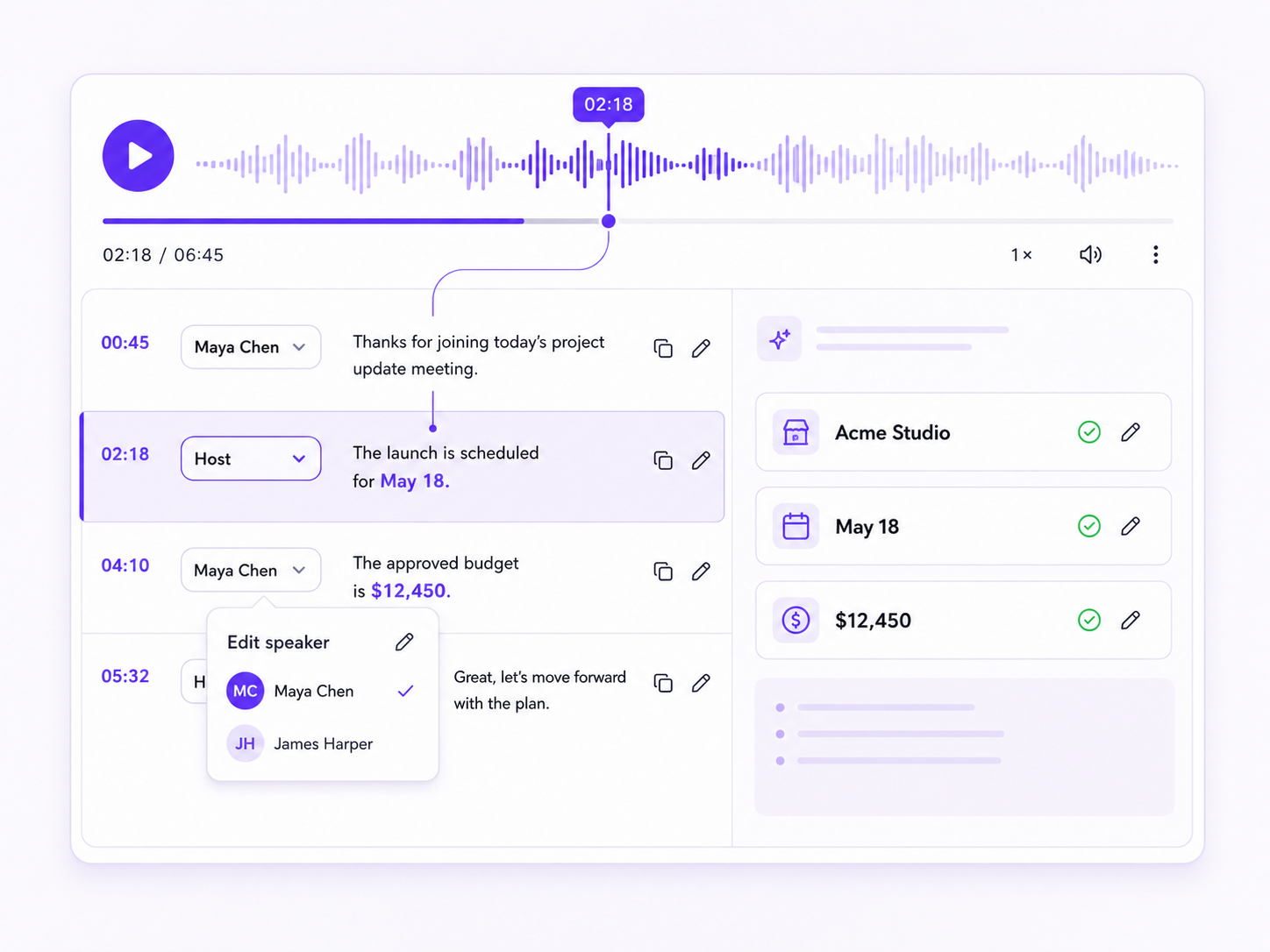
Selecting a transcript segment moves playback to the corresponding time. Instead of searching long timelines manually, use VidTranscriber to locate the moments behind quotes, decisions, explanations, or topics.
Edit Speaker Names and Attribution
Replace generic speaker labels with names or roles, then create another speaker when needed. Clear attribution makes interviews, meetings, podcasts, and qualitative research easier to scan.
Correct High-Risk Details
Names, brands, dates, numbers, accents, overlapping speech, and technical vocabulary may need human review. Synced playback keeps the source media close to the text, helping you verify details before relying on them.
Do More With the Transcript
Download a TXT Transcript
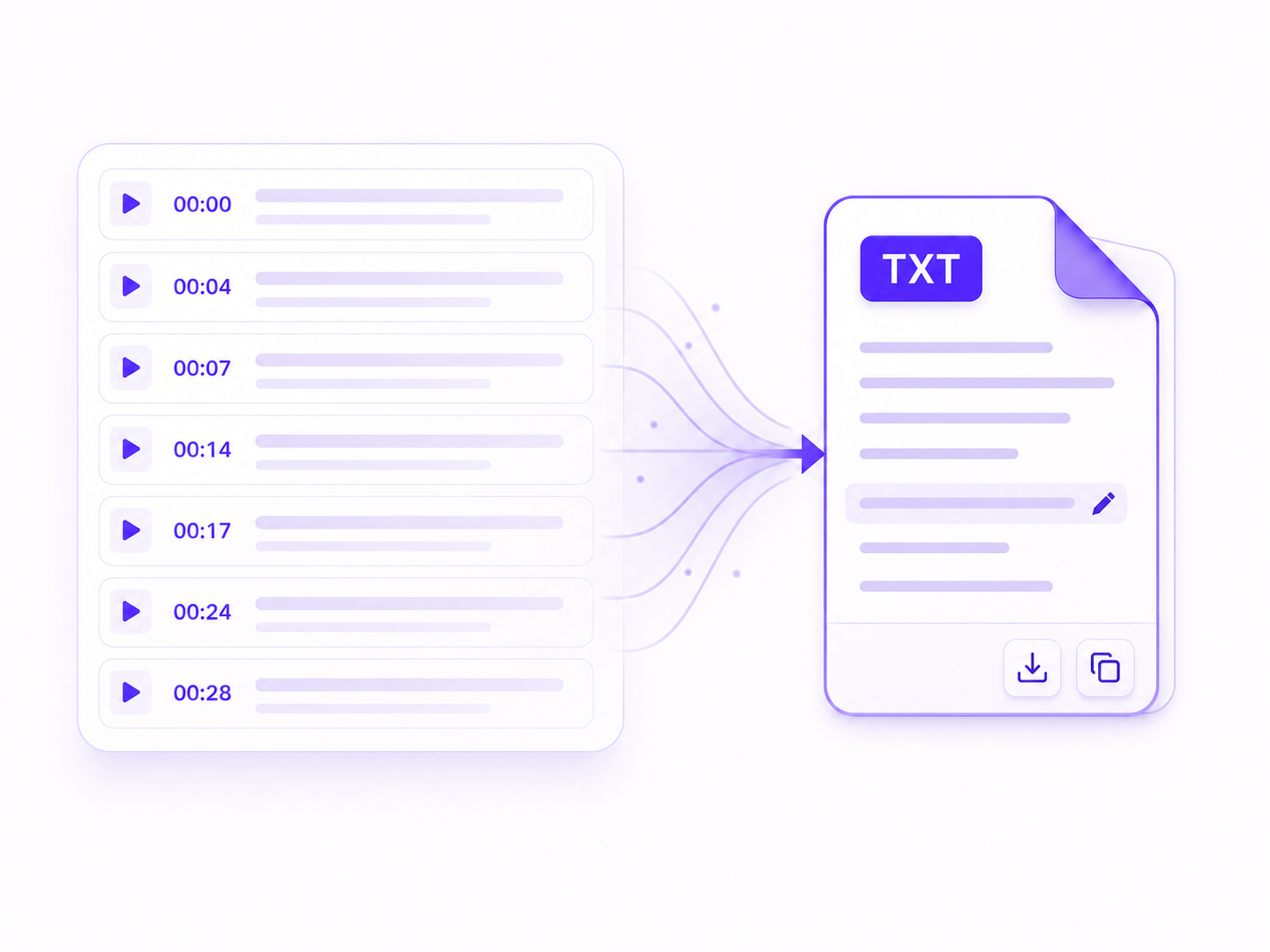
After reviewing the results, download the transcript as a TXT file for editing, archiving, analysis, or importing into other text-based processes. VidTranscriber also lets you copy content directly.
Translate Selected Segments
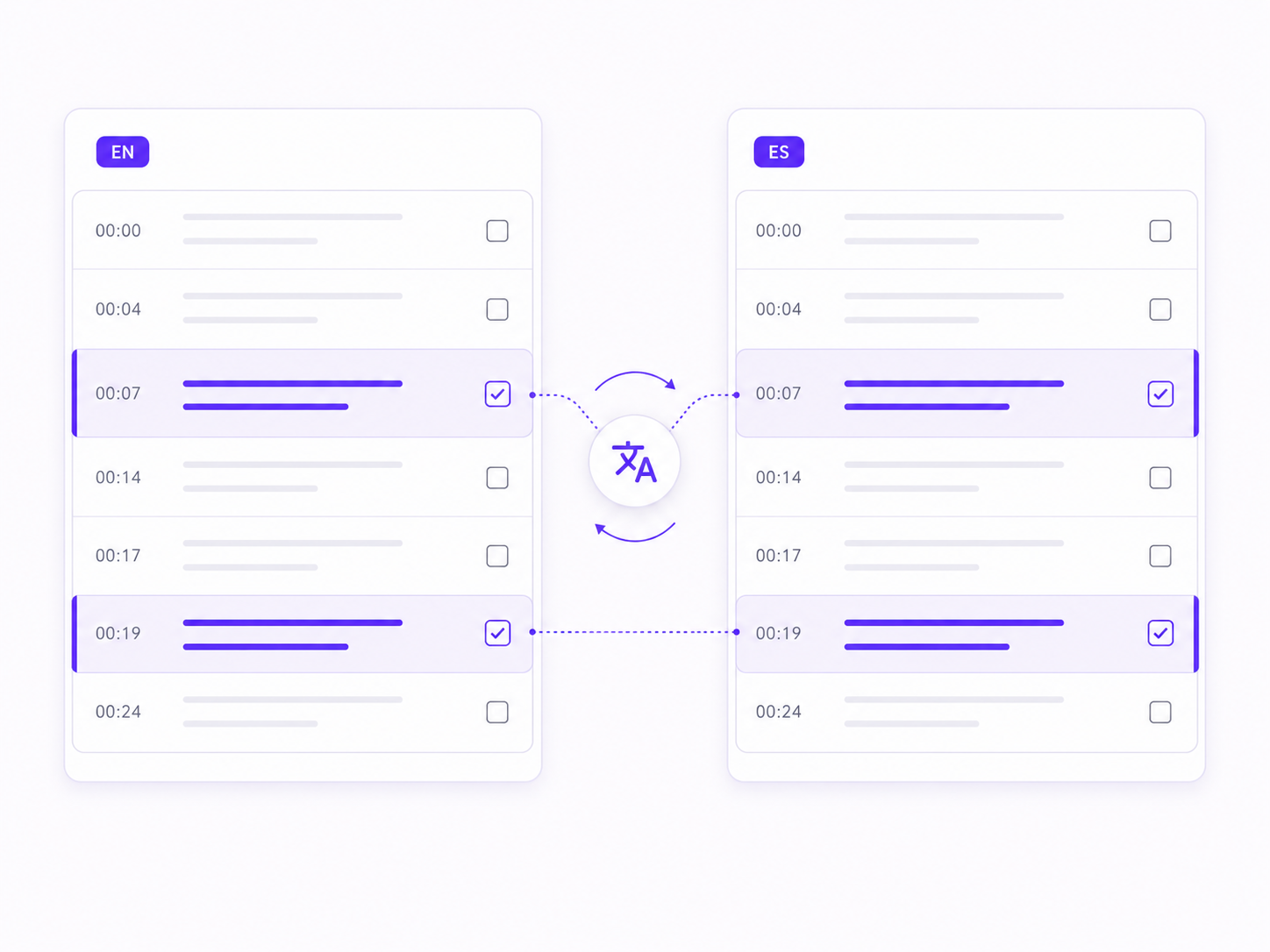
Translate one transcript item or several selected items without losing the original sequence. Selective translation helps when only part of a recording needs localization or bilingual review.
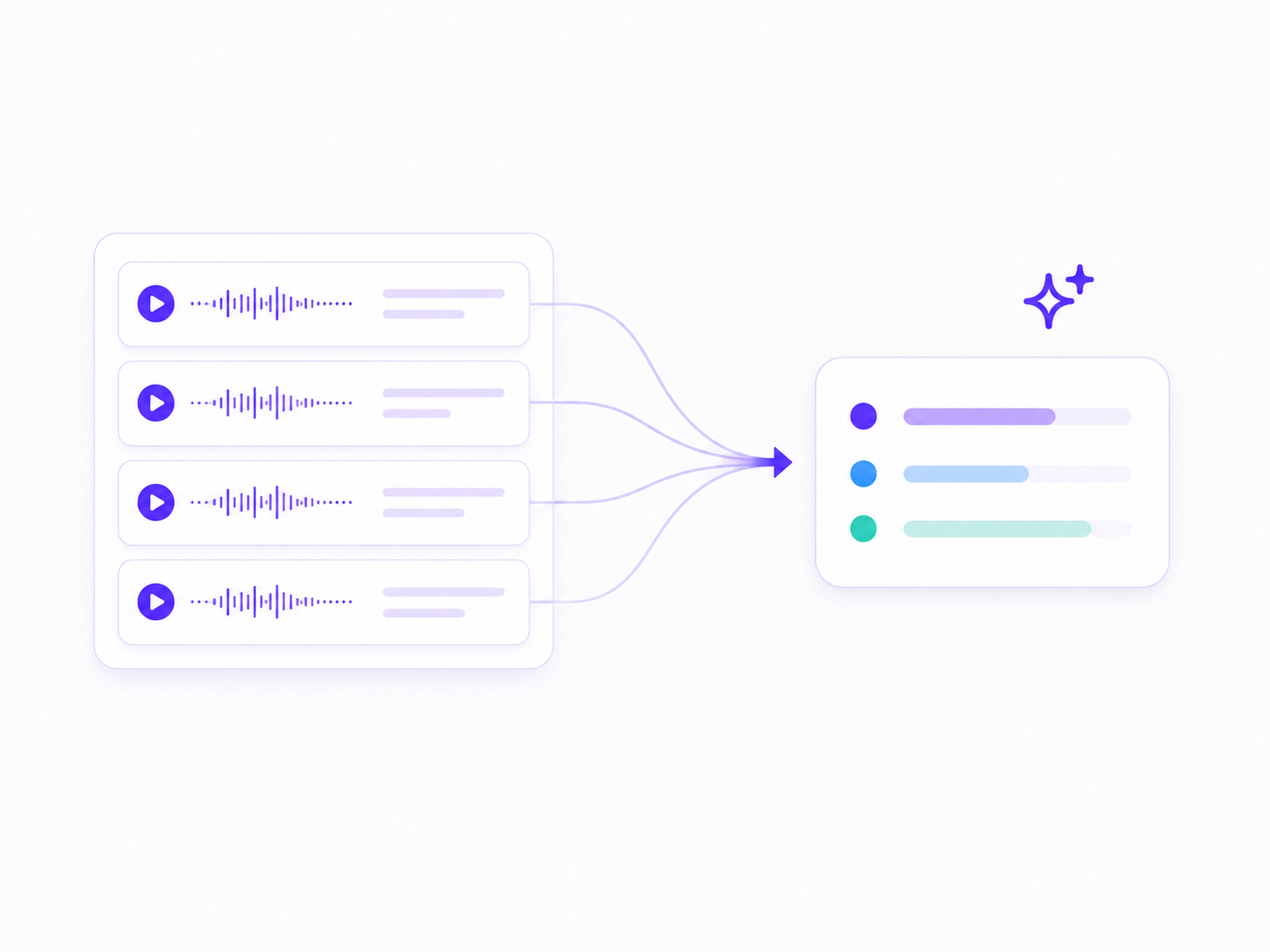
Summarize Long Recordings
Choose transcript content and create summaries using the available mode, language, and length options. AI summaries help you review lectures, webinars, meetings, or training videos before returning to important passages.
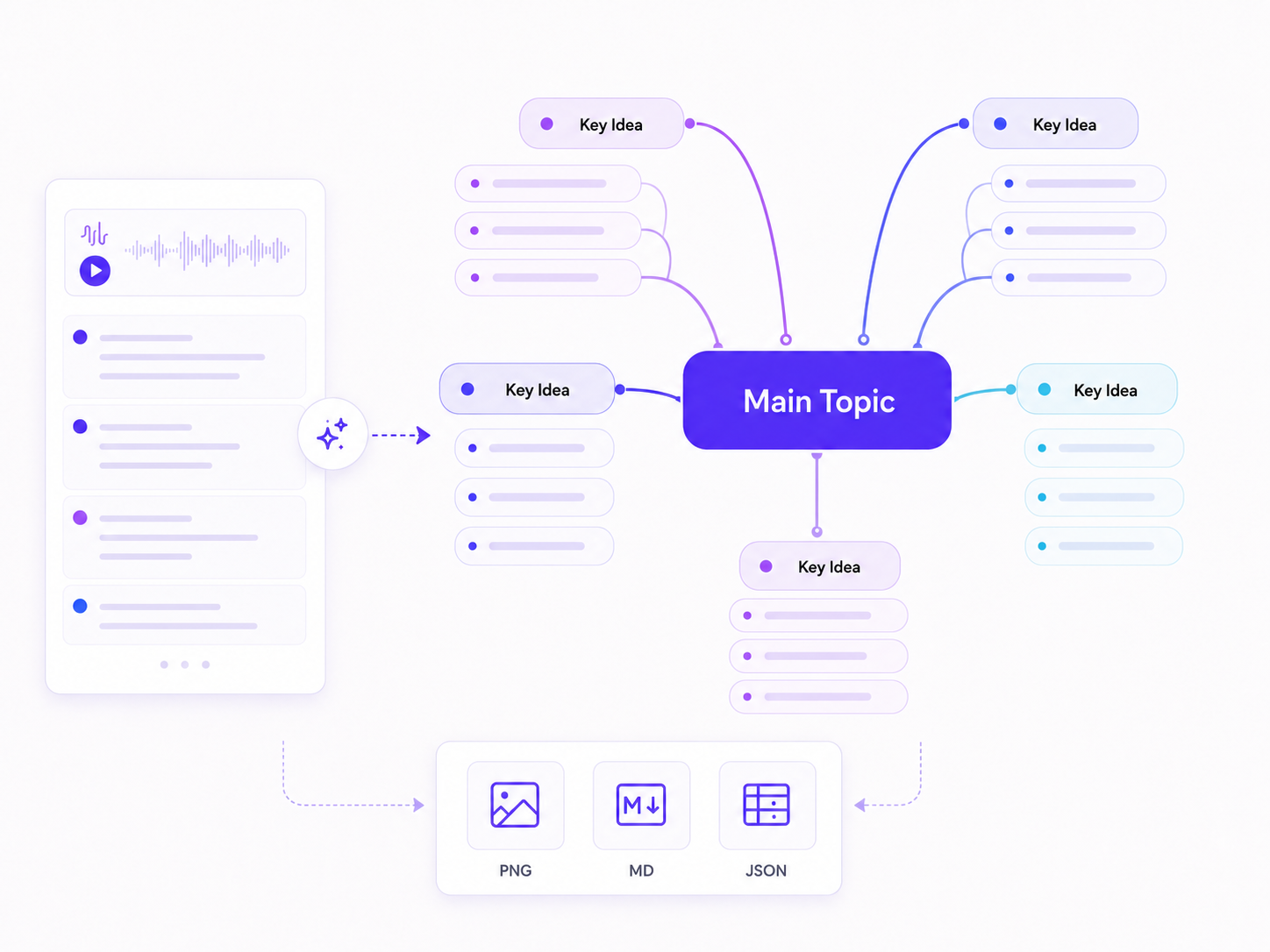
Generate a Mind Map
Turn transcript content into mind maps when relationships between topics matter more than chronological order. Download finished maps as PNG for viewing, MD or TXT for text processes, or JSON for structured reuse.
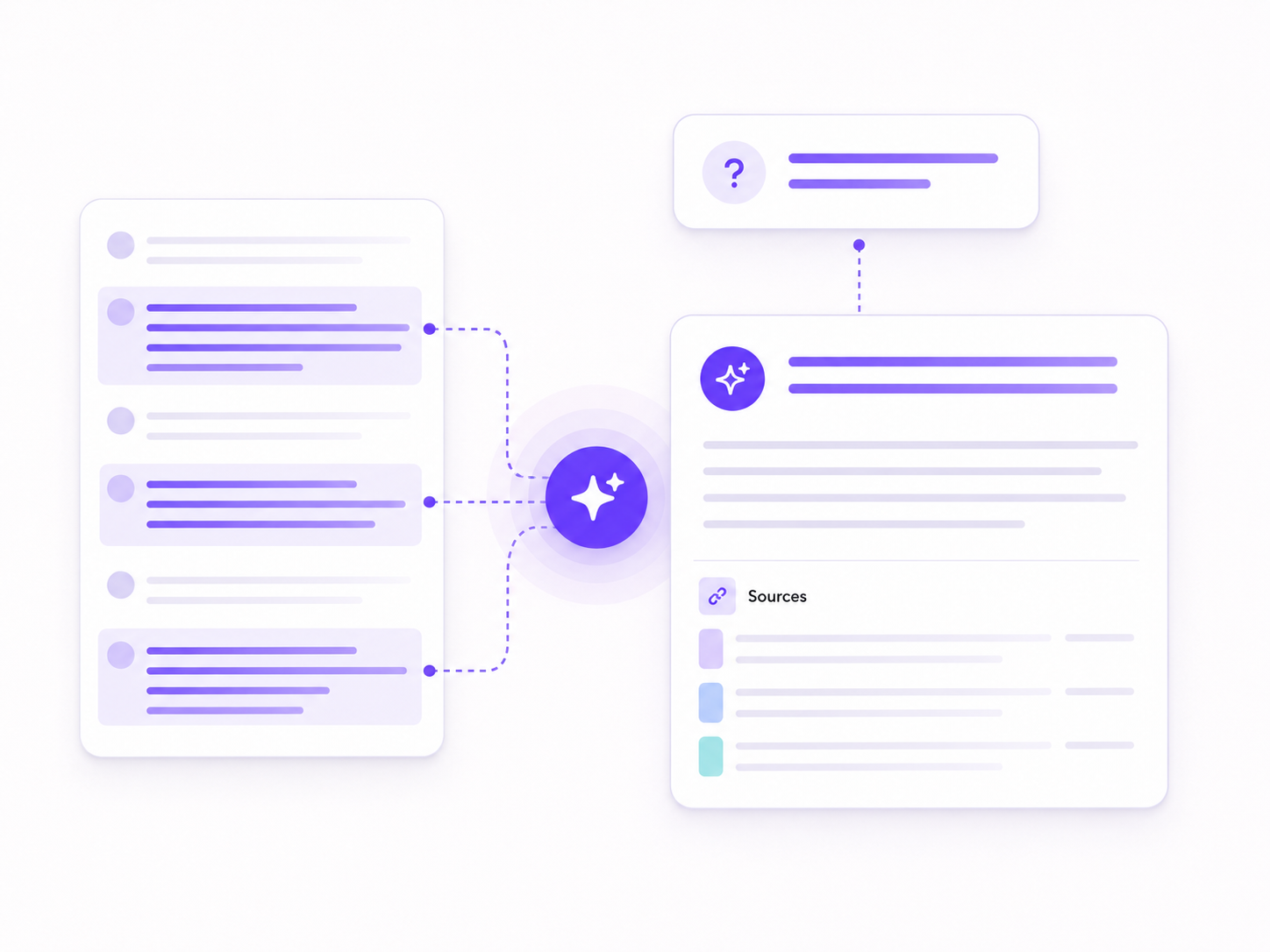
Ask AI About the Content
Ask transcript-based questions to locate decisions, objections, themes, or explanations. Use the answers for navigation and analysis, then check important conclusions against the transcript and playback.
Video Transcription for Real Tasks
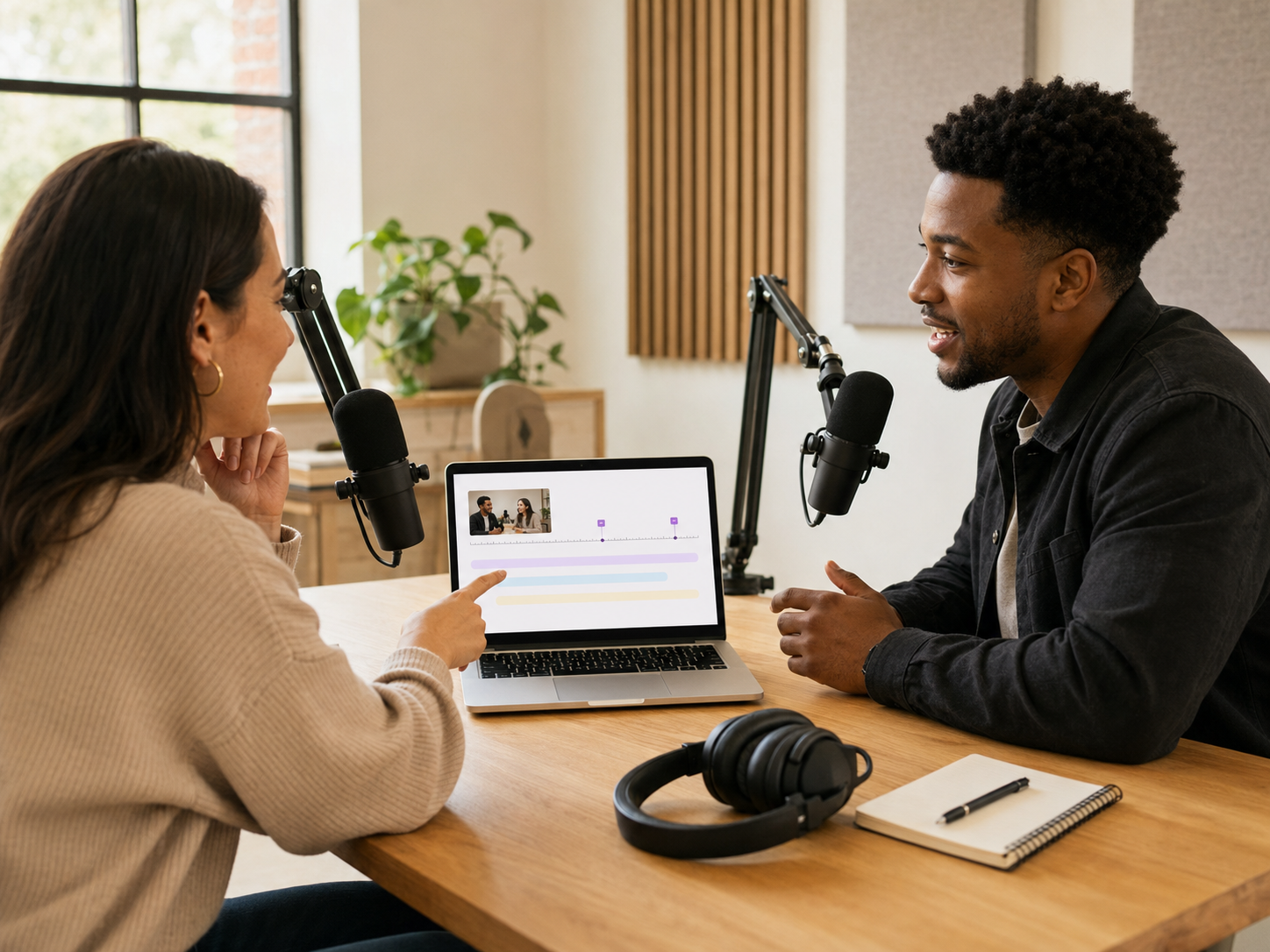
Creators and Podcasters
Use the video transcriber to find quotable moments, prepare show notes, outline articles, and identify sections that could become clips or social posts.
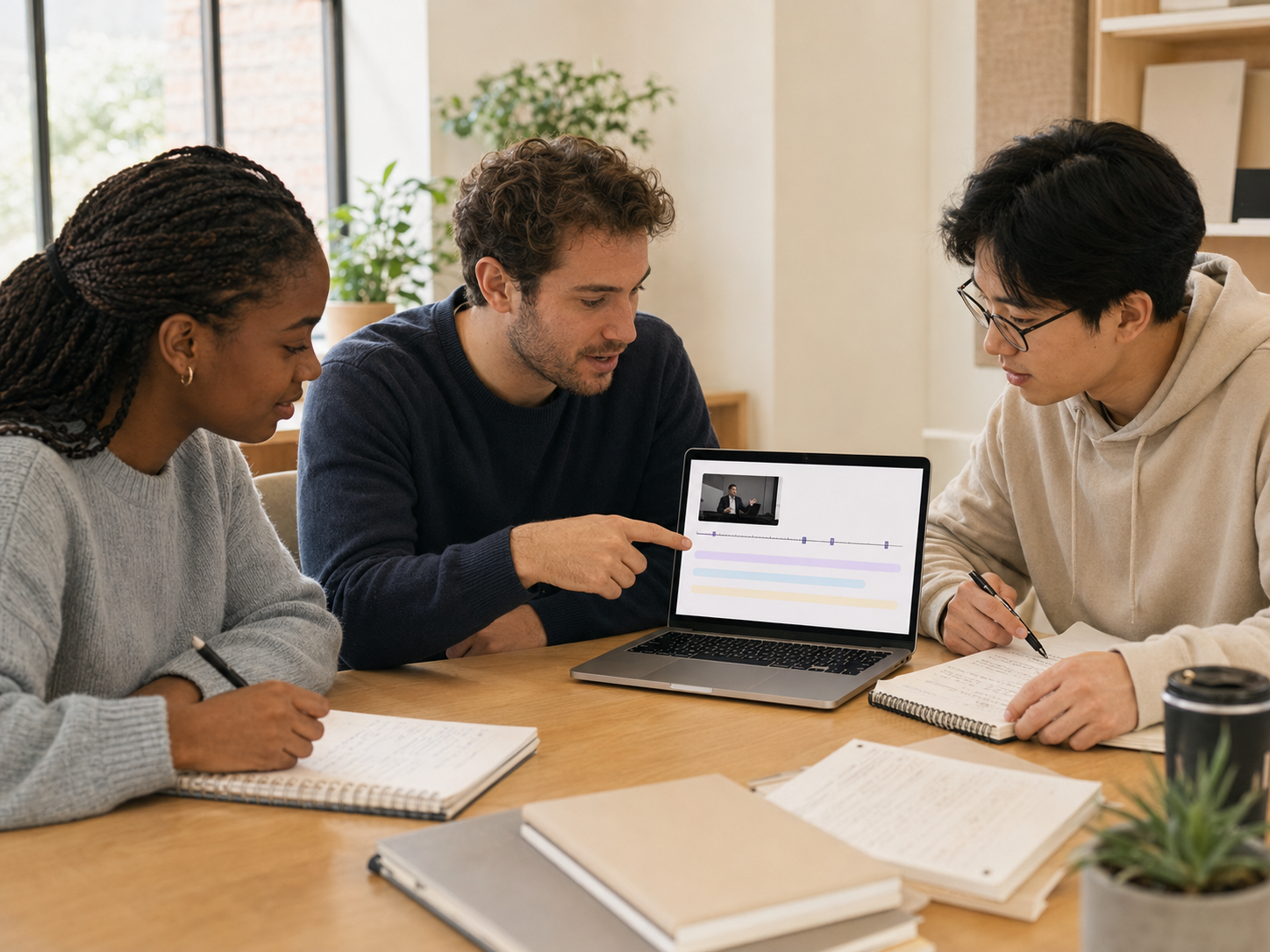
Educators and Students
Turn lectures and lessons into searchable study material. Follow timestamps back to difficult explanations, then use summaries or mind maps to review the overall structure.

Marketers and Content Teams
Convert webinars, demos, interviews, and customer conversations into source text for briefs, articles, campaign ideas, and internal documentation.

Researchers and Journalists
Label interview speakers, search recurring themes, and verify quotations against playback before analysis or publication. A synchronized video transcriber reduces the need to search through a recording repeatedly.

Teams and Meeting Owners
Turn recorded meetings, panels, and webinars into searchable notes. Use timestamps to revisit decisions and clarify action items.
User Reviews
MR
Maya R.
Podcast Editor
“I use this video transcriber for interviews with multiple guests. The speaker labels save me a lot of cleanup time, and clicking a transcript section takes me straight to that moment in the recording.”
CM
Chris M.
Graduate Student
“This video transcriber has made recorded lectures much easier to review. I start with the summary, then use Ask AI to find specific topics instead of searching through a 90-minute video.”
NP
Nina Patel
Freelance Journalist
“I needed a video transcriber that worked well with long interviews. I can copy individual responses, translate only the sections I need, and download the cleaned transcript when I am ready to write.”
ON
Omar N.
Customer Researcher
“The speaker separation is why this video transcriber works so well for customer interviews. The mind map also helps me see recurring concerns before I begin organizing my research notes.”
JA
Jess Alvarez
Content Coordinator
“This video transcriber has become part of my webinar workflow. I use the summary to find the main takeaways, copy useful sections for social posts, and download the full transcript for our content team.”
TB
Theo Brooks
Project Lead
“After a long team call, I use the video transcriber to review who said what. Ask AI helps me pull out decisions and action items, and I can check them against the speaker-labeled transcript before sharing them.”
Free Online Access, No Login, and No Retained User Data
The video transcriber is available online with free access, and you do not need to log in before starting. The service does not retain any user data.
Only upload media you are authorized to process. Review the transcript before downloading or sharing it, especially when a recording contains confidential, personal, legal, medical, financial, or unpublished information.
Video Transcriber FAQ
A video transcriber converts speech from a video into written text. VidTranscriber adds timestamps and connects transcript segments to playback so you can verify and edit the result.
Yes. The video transcriber is available with free access, and no login is required to start.
No. You can start transcription without logging in.
No. VidTranscriber does not retain any user data.
Supported video formats are MP4, AVI, M4V, MKV, MOV, MPEG, VOB, WMV, OGV, and WEBM. Local files can be up to 250 MB.
Yes. Speaker identification is optional, and the video transcriber lets you create speakers or change their names after transcription. Automated attribution should still be reviewed when people talk over one another.
The transcript is available as TXT. Mind maps are available as PNG, MD, TXT, or JSON.
Yes. Paste a supported YouTube link into the video transcriber. YouTube videos without subtitles can be up to four hours, while videos with subtitles have no documented duration limit.
Upload a supported video file or paste a supported YouTube link, choose speaker identification if it helps, and start transcription. The resulting timeline lets you review the video transcript alongside playback before you copy, save, translate or summarize it.
Yes. After you review the text, save the transcript as a TXT file. You can also copy transcript content directly into your editor, notes, or documentation process.
Yes. MP4 is supported, along with AVI, M4V, MKV, MOV, MPEG, VOB, WMV, OGV, and WEBM. The local upload limit is 250 MB.
Yes. Select one transcript item or multiple items, then translate the selection while keeping it connected to the original timeline.
Yes. Generate a mind map from the transcript, then export it as PNG, MD, TXT, or JSON depending on how you plan to view, edit, or reuse it.
The first draft is affected by recording quality, background noise, accents, overlapping speakers, names, and technical vocabulary. Review important passages with synchronized playback before publishing, quoting, or using the text for a high-stakes decision.
VidTranscriber does not retain any user data. You should still upload only material you are authorized to process and review sensitive content before sharing a result.